New Feature: Bulk Study Update
We’re excited to introduce the Bulk Study Update feature, a new tool for Project Administrators!
This powerful function allows you to efficiently modify key information for multiple existing studies within your project simultaneously. Using a simple CSV upload, you can now update:
- PDF Relative Paths: Easily add or correct links to full-text PDFs, especially useful after an initial screening phase.
- Custom IDs: Update your internal identifiers across several studies at once.
- Screening Decisions: Import screening decisions made outside of SyRF (or correct existing ones) and map them precisely to the relevant screener and screening stage (e.g., Title/Abstract, Full Text).
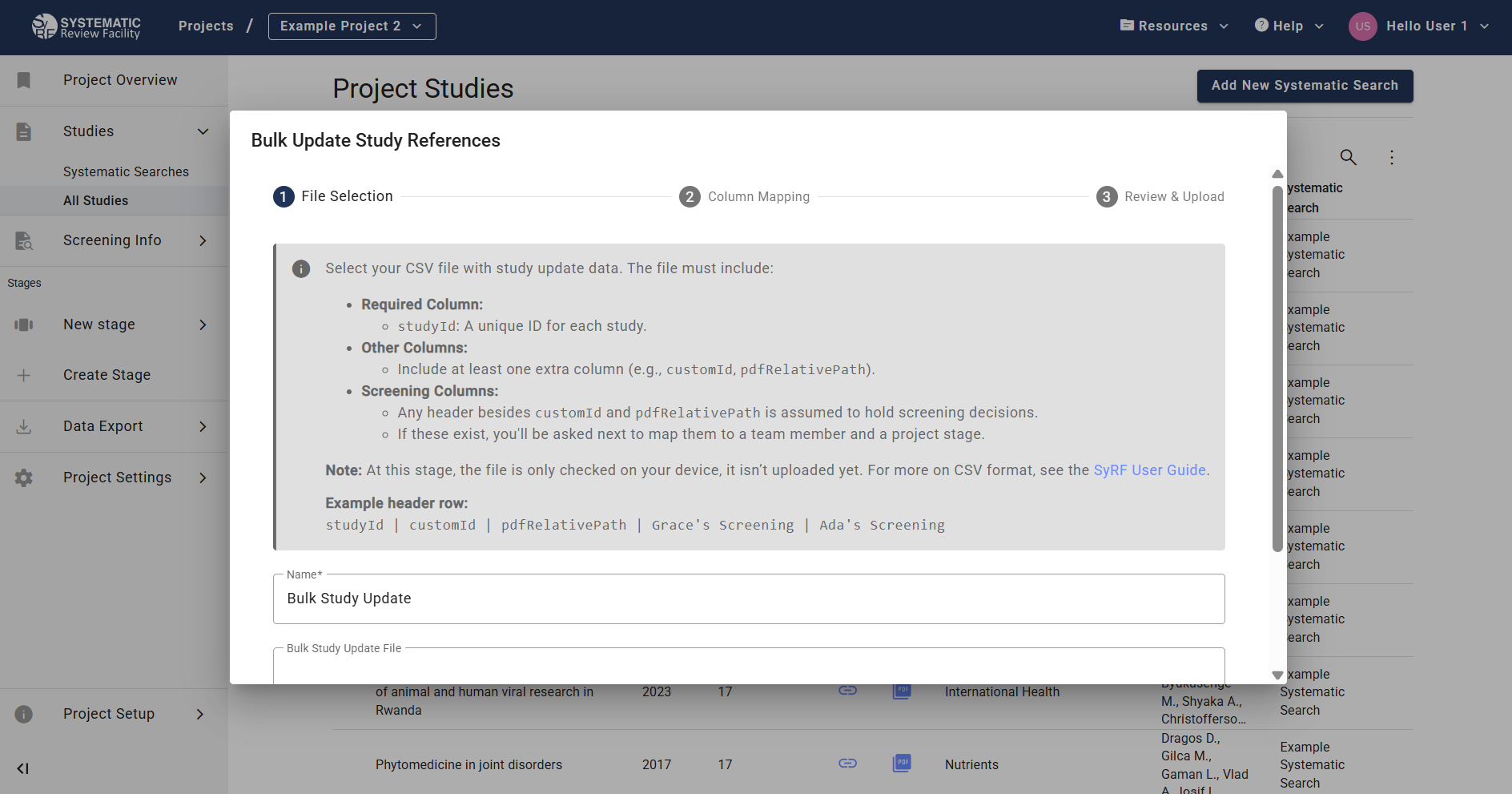 Access the Bulk Study Update feature from the ‘All Studies’ page.
This feature addresses common requests, making it easier to manage study data dynamically after the initial upload, particularly for linking PDFs in multi-stage reviews and integrating external screening work.
For detailed instructions on how to prepare your CSV file and use the feature, please see the Bulk Study Update section in the main guide.
Update — April 2026
The Bulk Study Update feature has been refined:
- More flexible screening values. Screening columns now accept
include/exclude,included/excluded,yes/no,true/false, and1/0(case-insensitive) — so you can upload a CSV from another tool without normalising the values first. - Clearer error messages. If a value is unrecognised or a column is missing, the error message now names the row, the column, and the values SyRF was expecting.
- No more stuck “validating” jobs. Uploads that run into an unexpected problem now fail cleanly with a visible error instead of getting stuck.
See the April 2026 release notes for the full list of changes.